Teams Premium adds meeting features for organisers; Teams Rooms licences cover meeting-room systems. Compare the two before licensing people and devices for the same meeting experience.
Teams Premium enhances the user experience; Teams Rooms solves the supported operation of shared meeting technology. Start your selection with a scenario, not the word Premium.
What is the basis and what is the supplement
Teams Premium is an additional license. It does not replace basic Teams permissions. Microsoft describes prerequisites and roles in the Teams Premium licensing documentation.
The purchase must therefore distinguish between the basic product, any add-on and the user. If the offer uses the Microsoft 365 variant without Teams, do not automatically put the same functional scope in it as in the historical variant with Teams.
For a specific function, check whether the organizer, attendee or administrator decides. Some options will affect the meeting according to the organizer, others remain the personal benefit of the licensed person.
The organizer and the participant have a different role
It is incorrect to say that Premium must automatically be available to all participants in every meeting. Likewise, it is not correct to expect that a single organizer's license will make all personal Premium features available to everyone.
Write a specific task for the company's needs: the organizer wants to set up some protection, the participant needs a personal summary, the administrator is looking for advanced analysis. It is only according to this function that the relevant license scope is determined.
In addition, with delegated planning, distinguish between the actual organizer and the person who puts the invitation on the calendar. Test the normal business way of scheduling, not just a manual appointment from the IT account.
Overview of decision making
| Need | Main area | What to check |
|---|---|---|
| Common user work in Teams | Basic Teams permissions | Exact product variant |
| Advanced Personal Attendant Features | Teams Premium or other specific permissions | The requirements of the function |
| Selected features of the organized meeting | License and Organizer Role | Impact on participants |
| Shared meeting room facilities | Team Rooms | Supported device and account |
| Telephone calls and queues | Teams Phone and other terms | Do not assume Premium-only coverage |
| Big events | Current event license and capacity | Changes to the offer and Attendee Capacity Pack |
The table separates the purposes of the products. It is not a complete price list and specific features may require additional related permissions.
Teams Rooms is not a free user license
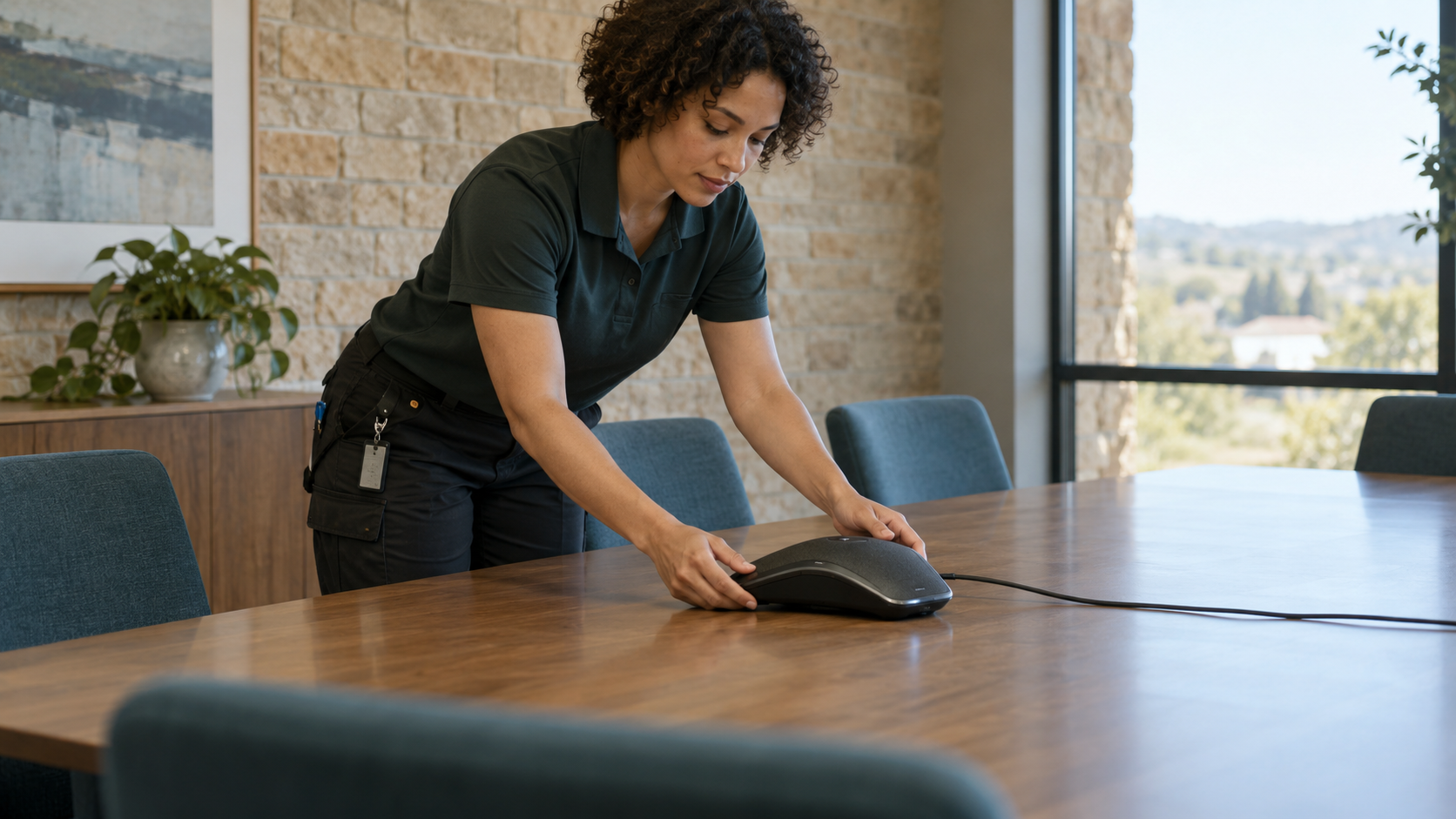
For a shared meeting device, consider Teams Rooms based on current conditions. Microsoft Teams Rooms licenses describe the variants and requirements of supported systems.
Do not give a device an excess Business or Enterprise user license without further review just because it successfully logs in. Technical functionality is not sufficient confirmation of a suitable model.
Distinguish between a full-fledged Teams Rooms system, a panel, a telephone and a regular employee laptop. They are not interchangeable device types. Attach specific hardware and how to use it to the offer.
The 2024 resource may not match the 2026 offering
As of April 1, 2026, Microsoft has moved some features previously associated with Premium to Teams Enterprise. At the same time, it states the transitional conditions of older Premium terms.
Therefore, when renewing, check the acquisition date and the end of the current term. It's not enough to compare two old marketing charts. A feature that the team has used so far may have a different product model for the next period.
This control applies in particular to planned large events. An event scheduled under the old assumptions may only take place after the end of the current authorization.
Large events have their own capacity issue
The current Attendee Capacity Pack documentation describes event capacity expansion packs and transition terms for legacy Premium licenses.
A general request "we need a big webinar" is not enough for the organizer. Specify the format, audience, interactivity and number of current participants. Add the date of the event and the license that will be valid at that time.
For a critical event, also test the administration, registration and support of participants. Sufficient capacity alone does not guarantee a problem-free process.
Model example: two rooms and company management
A hypothetical company acquires two equipped meeting rooms. At the same time, executives want advanced personal meeting features.
The administrator will prepare a separate proposal for rooms and a separate one for people. On the device, it verifies the supported system, account, Rooms product and administration. Defines specific functions and available permissions for users.
The result should not be one line "two Premium Meeting Licenses". Such an offer does not say whether the organizers, participants or facilities are licensed.
Test the meeting as a regular employee
Set up the meeting using normal company procedure. Verify room reservation, invitation view, connection, sound, image and sharing. Then try another organizer and supported external scenario.
Also test the situation when the device restarts or the password or configuration of its account is changed. The meeting should work without impromptu guest login.
Include a support contact and simple instructions in your submission. Usable room is a business result, not just a device visible in the administration portal.
Don't overlook transcription and content management
A license is only one condition for the availability of a transcript or summary. Review organization settings, roles, and required content. If the overwriting did not occur, the license itself will not later create the missing basis.
The company should determine who can record or transcribe and who can use the content of the meeting. Align the settings with internal rules and the purpose of the meeting.
Don't just use a short technical meeting for the test. Include common speakers, languages and work situation. The result must be verified by future users.
Procedure before ordering
- List specific functions and their users.
- Separate people, devices and major events.
- Confirm basic Teams permissions.
- Check the roles for each Premium feature.
- Verify Rooms hardware and license model.
- Check the terms and offer changes in 2026.
- Prepare pilot and operational handover.
The offer may then contain several products, but each one will have a clear purpose. This is better than a seemingly simple item that does not cover the actual scenario.
Frequently asked questions
Will Teams Premium replace basic Teams?
No. It is an add-on with its own prerequisites.
Do all participants have to have Premium?
It depends on the specific function and role. Organizational and personal functions are assessed differently.
Is a user license enough for the meeting device?
It is not generally the correct model. Confirm Teams Rooms requirements and specific device type.
Is the older feature list still valid?
Not automatically. Check the current documentation, acquisition date and license term, especially for changes from April 2026.
What should be the result
List of required functions, their holders, supported devices and terms. With this background, you can order the right products and later explain why the license belongs to a specific person or room.