
Microsoft 365 Business Premium includes Windows business rights, but it does not turn any Windows Home device into a fully licensed Pro device. Check the underlying Windows licence and the upgrade path before deployment.
Do not treat Business Premium as a one-size-fits-all base license for any computer. Separate your existing Windows license, any edition upgrade, subscription rights, and technical activation. Merely logging in with a work account or changing the name of the edition is not proof of correct licensing.
Four pieces of information you need in advance
For each device, find out the system edition, activation status, origin of existing license and intended use. Add the user and the exact product the company has assigned to them.
If you want to switch from Home to Pro, describe it separately. The current Product Terms for Windows also contain the special product Windows 11 Home to Pro Upgrade for Microsoft 365 Business Premium and its purchase conditions. This does not mean that assigning Business Premium alone will automatically perform or pay for the upgrade.
With a Czech company, it is important to verify the offer for its contractual program and region. Ask about the exact upgrade product, quantity, link to subscription and method of activation. Confirming that "Premium includes Windows" is not enough.
How the different layers differ
| Layer | What does he answer? | What she doesn't prove herself |
|---|---|---|
| Base device license | Does the device have a valid default system license? | Eligibility for any higher edition |
| Upgrade Home to Pro | Do we have permission and path to change the edition? | All Enterprise features |
| User subscription | What additional rights does a specific user have? | Valid base on each of his devices |
| Activation | Did the system accept the activation mechanism used? | Fulfillment of all contractual conditions |
| Manage via Intune | How is the device set up and managed? | A separate operating system license |
This overview is also suitable for property records. Instead of a single "Windows yes" column, keep at least the basic product, edition, and management method.
Why a generic key might not solve the problem
A generic installation key may be part of the technical upgrade process. However, it cannot be inferred from it that the organization has acquired the right to use the system. If the activation fails after changing the edition, do not continue to try random keys from the Internet.
Record the original state, the changes made, and the activation error. Only then select the supported path corresponding to the purchased license. The same error code can be a different situation on a new device with Home and on a company device with a documented Pro license.
When ordering new laptops, it is usually easier to determine the edition you need in advance. Also compare the difference in the procurement configuration with the work on the additional system change and handover to the employee.
Business and Enterprise are not interchangeable names
Business Premium is a set of services. Windows Pro is an edition of the operating system. Windows Enterprise is another edition with its own rights model. There may be similar names in the business offer and in the administration, but they do not have the same meaning.
If your organization is considering Enterprise, review the qualifying base system and terms of the specific subscription. Microsoft describes subscription activation separately. Automatic activation by user authorization is not a substitute for inventory of original licenses.
We wouldn't suggest replacing the entire Microsoft 365 suite just because of one activation error. Confirm the cause first. Otherwise, you can buy a more expensive product that does not solve the original problem.
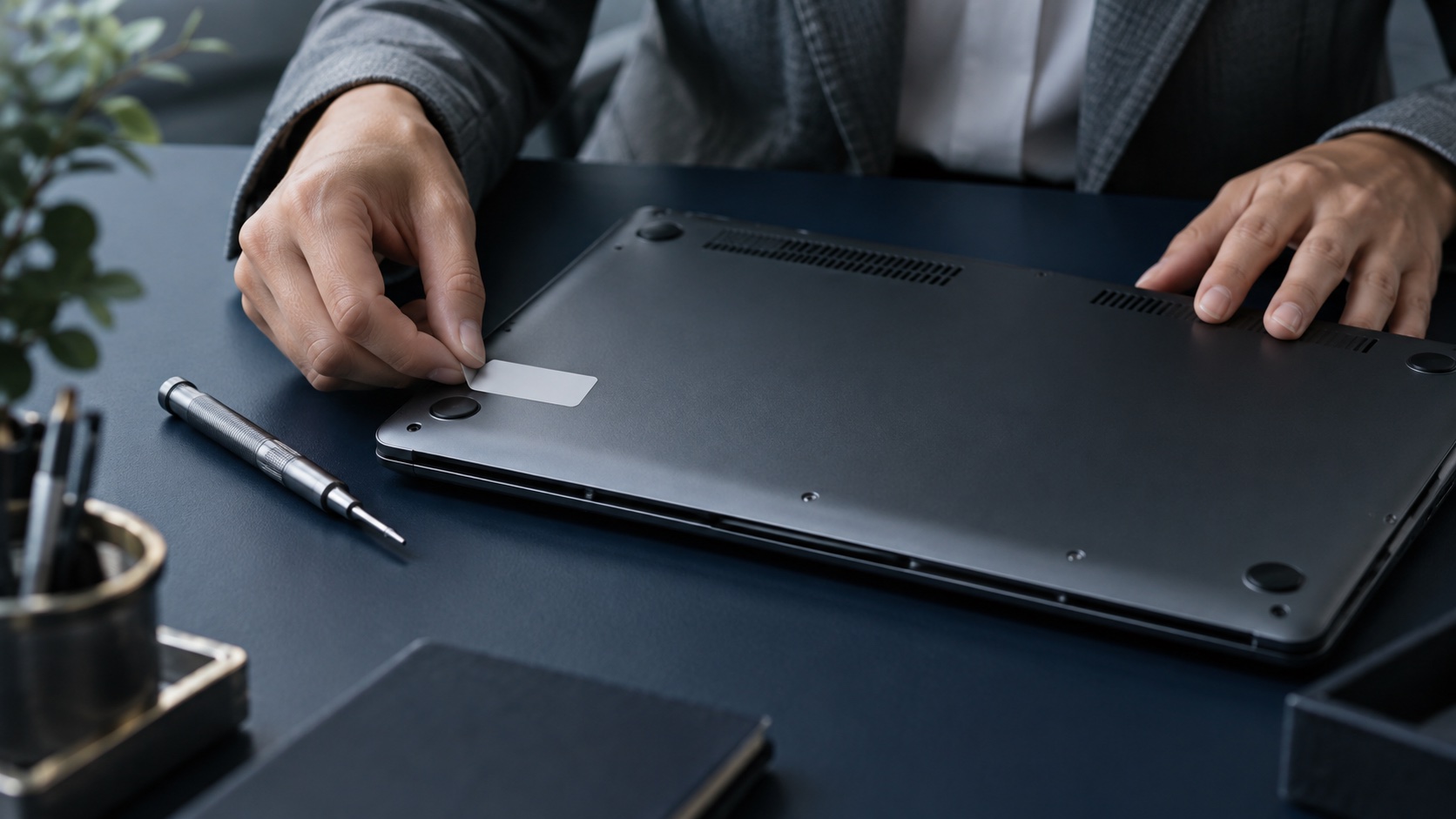
Model example: ten new laptops
A hypothetical company buys ten laptops with Home and ten employees have Business Premium. He wants to connect the device to the corporate environment, manage and standardize it.
The administrator writes down which features he needs and which edition covers them. Business partner will confirm available upgrade or other way to get Pro. IT prepares one pilot notebook and goes through edition change, activation, login and administration. Only after a successful test will he repeat the procedure.
The costing includes the product, work, possible reinstallation and the impact on handover. The model number of ten devices does not mean that ten upgrade privileges can be automatically applied without checking the specific offer.
Prepare a supported procedure for the technician
A good system replacement guide includes entry status, enabled installation source, activation path and result check. During installation, the technician should not decide on the license model based on what is currently working.
Ensure access to important data and necessary recovery information before changing. For company devices, determine where they will be stored and who can use them. Then verify applications, peripherals, and access to work services.
The change of edition is complete only when the device corresponds to the planned configuration and the employee can complete his task. A green activation status without a functional corporate login is only part of the result.
What to check when taking over the device
- The exact edition and supported system version.
- Activation and traceable basis for the license.
- Correct work account and connection method.
- Deployed applications and required updates.
- Encryption and availability of recovery information.
- Governance and compliance status as per company proposal.
- Real work test of the employee.
Write the check against a specific serial number or stable identifier. A screenshot without a link to the device is difficult to use when replaced later.
How to deal with the transition between users
When handing a laptop over to a new colleague, check both the device license and their new user product. A preserved installation must not be the only argument that nothing changes.
In particular, verify user-activated applications and company policies. The previous user may have had a different set or exception. A new colleague can gain access to services for which the work profile was not originally prepared.
Subscriptions may also change upon renewal. Therefore, include product changes in the review process, not just the arrival of new hardware.
Frequently asked questions
Can I get Pro just by signing up with a Business Premium account?
Such a general conclusion is not safe. First, verify the valid base and the specific upgrade authorization as well as its activation mechanism.
Does the Windows Business designation mean a full license for a new computer?
The screen name alone does not describe the entire chain of rights. You need to document the existing license and any additional authorization.
Is there a special Home to Pro upgrade for Business Premium?
Yes, the current Product Terms list it as a specific product with purchase terms. Verify availability in your program and exact order; do not confuse it with the automatic set assignment component.
Should I switch to Microsoft 365 E3 because of the activation problem?
First diagnose the base license, edition and activation. A higher kit is a decision based on the entire work needs, not a one-size-fits-all bug fix.
What to send to a partner
Prepare the device model, current edition, activation status, underlying existing license and desired target configuration. Add the exact subscription name. The partner can then confirm a specific path instead of answering the ambiguous question "does it contain Premium Windows?".