The practical answer
The fast answer: use Teams Rooms Basic or Pro for certified Teams Rooms systems; use Teams Shared Space for supported shared phones, panels, desk docks, BYOD rooms, and bookable desks. A normal Microsoft 365 user licence is not a substitute for a shared meeting-device licence.
Start with the physical endpoint
Procurement often starts with account names: room account, resource account, shared account. Start with the physical experience instead.
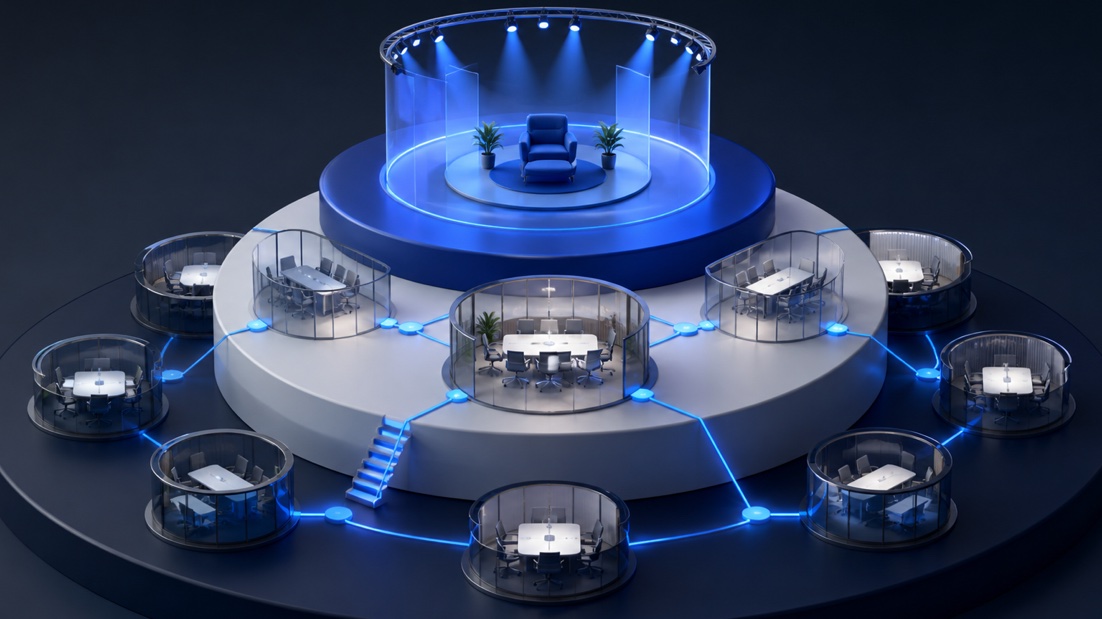
Teams Rooms Basic
Basic provides core room experiences at no additional licence cost for organisations that purchase certified Teams Rooms systems. It covers scheduling, joining meetings, content sharing, whiteboarding, and basic management and security.
Teams Rooms Pro
Pro adds richer meeting experiences and advanced management. Microsoft highlights intelligent audio and video, front row, large galleries, dual-screen support, remote device management, Conditional Access, and detailed analytics.
Start with the physical endpoint
Procurement often starts with account names: room account, resource account, shared account. Start with the physical experience instead.
- A certified Teams Rooms on Windows or Android system, or a Surface Hub used as a room system: Teams Rooms Basic or Pro.
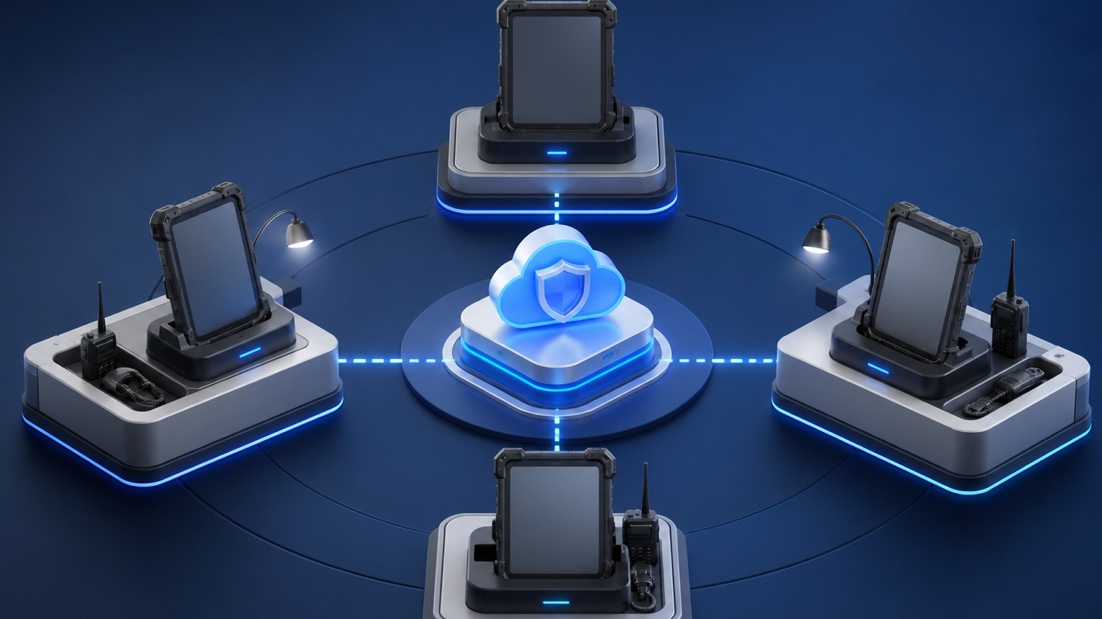
- A Teams phone in a common area, Teams panel for a BYOD room, supported desk dock, or Android phone used as a shared device: Teams Shared Space.
- A reservable desk or BYOD room without a licensed shared device: Teams Shared Space or Shared Space – Single Space assigned to the space account.
- Microsoft explicitly states that Teams Shared Space is not supported on Teams Rooms devices.
Teams Rooms Basic
Basic provides core room experiences at no additional licence cost for organisations that purchase certified Teams Rooms systems. It covers scheduling, joining meetings, content sharing, whiteboarding, and basic management and security. Important boundaries: one Basic licence covers one certified Teams Rooms system in one room; a tenant can assign up to 25 Basic licences; systems above that limit need Rooms Pro; Basic does not license Teams Panels; if one room uses more than one Teams Rooms system under the same resource account, Microsoft requires Rooms Pro. Basic is not “free Teams for any screen.” It is a specific licence for qualifying certified room systems.
Teams Rooms Pro
Pro adds richer meeting experiences and advanced management. Microsoft highlights intelligent audio and video,
- front row, large galleries, dual-screen support, remote device management, Conditional Access, and detailed analytics.
- Use Pro when the organisation needs central operations, advanced room features, Teams Panels, or more than 25
- room systems. Pro is also the correct baseline for certain cross-platform SIP and advanced room scenarios.
- The value is operational as much as functional: estate visibility, incident response, configuration consistency, and room analytics can matter more than a single meeting feature.
Teams Shared Space
Before April 2026, this was called Teams Shared Devices. The renamed licence now spans devices and places. For devices, one Teams Shared Space licence covers one supported endpoint such as a common-area Teams phone, Teams panel for a BYOD room, supported desk dock, or shared Android mobile phone. The licence includes Teams Phone, Intune Plan 1, Exchange Online Plan 2 for cloud voicemail capability, specialty-device rights, and managed-space capability. Teams Shared Space – Single Space does not include Teams Phone.
The four-space rule
When a full Teams Shared Space licence is used for a bookable desk or BYOD room rather than a device, the administrator can obtain three additional USD 0 Shared Space – Single Space licences, allowing four spaces in total.
- There is a critical fork:
- use the full licence for a device, and it covers that one device;
- use it for a space, and it can unlock three additional Single Space licences for three more desks or BYOD rooms.
- You cannot use the same full licence for one device and also claim the three extra spaces.
Practical checks
Microsoft currently documents the Single Space acquisition through Microsoft Customer Agreement billing. Verify channel availability before designing a global rollout.
Bookable desks changed in April 2026
Desk booking moved from a per-user Teams Premium model
- to a per-space model. A desk now needs Teams
- Shared Space or Shared Space – Single Space; then Teams users in the organisation can book it.
- Users with Teams Premium licences purchased before
- April 2026 retain transitional desk-booking rights
Practical checks
until renewal. Do not use that temporary state as the long-term design.
Six buying examples
Assign one Teams Rooms Basic licence
- per system. Confirm none of the
- rooms needs a second system, panel,
- advanced management, or Pro-only capability.
- advanced management, or Pro-only capability.
Twelve certified meeting rooms, basic needs
Assign one Teams Rooms Basic licence per system. Confirm none of the rooms needs a second system, panel, advanced management, or Pro-only capability. Forty certified meeting rooms At most 25 systems can use Basic. Licence the remaining systems with Pro, or choose Pro more broadly where consistent management is worth it. A panel outside a full Teams Room Use Rooms Pro for the room/panel design. Do not assign Teams Shared Space to the Teams Rooms device. A panel outside a BYOD huddle room Teams Shared Space fits the panel and provides the associated managed-space benefits. A separate Single Space licence is not required for that same room when the licensed panel already covers it. Twenty individual desks Model full Shared Space licences used as space licences plus their three no-cost Single Space licences. Five full space licences can cover 20 eligible desks, subject to the current acquisition and assignment rules. A reception common-area phone Teams Shared Space provides the shared-device and Teams Phone foundation. PSTN connectivity, number, Calling Plan, Operator Connect, or Direct Routing still must be designed separately.
Deployment checks that licensing sheets miss
Create and configure the correct room, workspace, or desk resource account. Assign the licence to the resource, not to a nearby administrator.
- Allow 24–48 hours for some space assignments to propagate.
- Keep calling licences and PSTN funding separate from room/space licensing.
- Do not add OneDrive to a managed room account without a deliberate content decision. Confirm device certification and supported operating system.
- Track licence type, room, serial number, account, and physical location in one inventory.
Practical checks
Axeti can help reconcile rooms, panels, phones, BYOD spaces, and desks before renewal so procurement buys against the estate that actually exists.
Sources and scope: Microsoft Learn, Microsoft Teams Rooms licences: Basic, Pro, 25-room limit, shared-device requirement, and supported assignments. Microsoft Learn, Microsoft Teams Shared Space licensing: renamed offer, device types, four-space model, and service plans. Microsoft Learn, Microsoft Places overview: April 2026 desk-booking transition. Microsoft Learn, Set up bookable desks in Teams: resource and licence prerequisites. Device certification, cloud availability, calling rights, and billing channel can vary. Revalidate the exact estate and purchasing program before ordering.