
Two hosts can handle normal operations. During maintenance, however, all Windows VMs may move to the remaining host. If licensing only covers their usual placement, the maintenance window can expose a gap. Successful migration and Windows activation do not reveal that gap.
Under physical-core licensing, every destination host needs sufficient rights before the VMs run there. With supported individual-VM licensing, licences can move with workloads within the same server farm. These models have different minimums, prerequisites and calculations. Combining their rules produces unreliable purchase quantities.
This guide addresses Windows Server Standard and Datacenter under Commercial Licensing. Check the agreement, version and licence origin for an actual order. OEM, retail, hosting and Azure arrangements cannot simply be put into the same calculation. The Product Terms for your programme determine the rights; the number of available product keys does not.
A 16-core pack is not two VMs
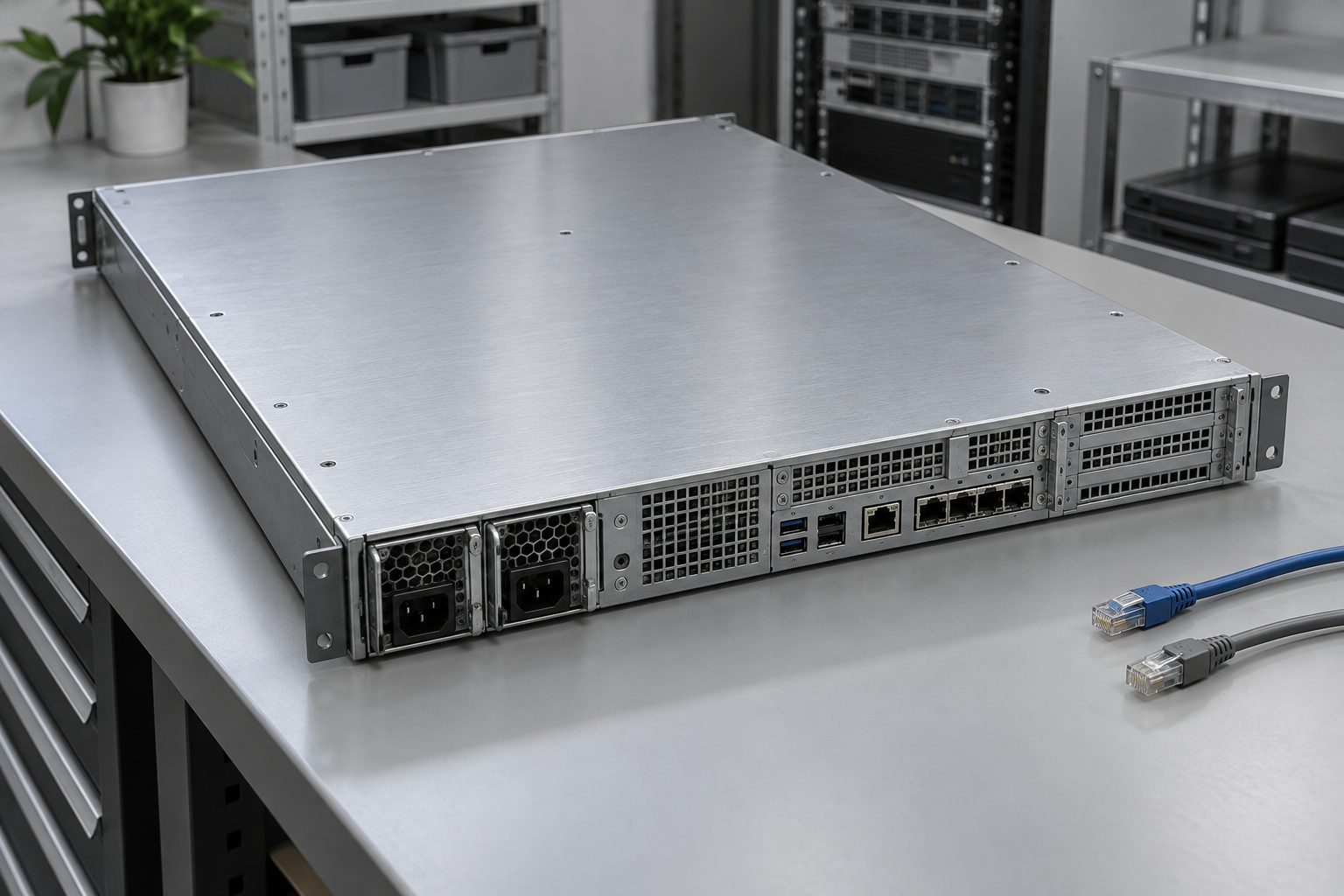
With physical-core licensing, cover the entire server first: all physical cores, with at least eight per processor and sixteen per server. A complete Standard assignment provides two OSEs. Another complete set provides two more. Fully licensed Datacenter provides unlimited OSEs on that server. The current Product Terms specify these rights.
OSE means operating system environment. The calculations below concern Windows Server VMs and assume that the physical host does not run additional application workloads in Windows Server.
On a 32-core server, one complete set consists of 32 core licences. Buying sixteen does not license half the host with rights for one VM. Two 16-core packs together make the first complete set, covering two Windows Server VMs.
| Physical host configuration | Cores in one complete set | Standard for 2 VMs | Standard for 5 VMs |
|---|---|---|---|
| 1 processor with 12 cores | 16 | 16 | 48 |
| 2 processors with 6 cores each | 16 | 16 | 48 |
| 2 processors with 16 cores each | 32 | 32 | 96 |
| 2 processors with 24 cores each | 48 | 48 | 144 |
These are our calculations using the stated rules. Figures are core licences, not packs or prices. Five VMs require three complete sets because two sets cover only four OSEs. The virtual processor counts of those VMs do not change this physical-core calculation.
Calculate permitted placement during failure
Microsoft's virtualization guidance covers failover, load balancing and planned downtime. With physical-core licensing, licences normally remain assigned to the host; moving a VM does not automatically move its licence. The general 90-day reassignment rule is not a way to shift licences around the cluster every evening.
Use two quantities: the cores needed for one complete set on each host and the maximum Windows OSEs permitted to run there. Standard requires one complete set multiplied by the OSE count rounded up into pairs. Datacenter needs one complete set for each covered host.
The maximum is not automatically every VM in the company. It depends on the architecture and enforceable placement limits. If the plan says four VMs but an administrator can move all seven without a further control, the lower calculation lacks a reliable operational basis.
Model: three hosts and seven Windows VMs
A hypothetical cluster has three hosts with 32 physical cores each. Seven Windows Server VMs run in a 3–2–2 distribution. Linux VMs are outside this Windows Server rights calculation. Every Windows VM uses an edition and version covered by the selected licences.
After any one host fails, the design permits at most five Windows VMs on either surviving host. Configuration and operating procedures must support that limit. Alternatively, the company can allow all seven on one host during maintenance combined with another failure.
| Design option | Standard calculation | Total Standard core licences | Datacenter for three hosts |
|---|---|---|---|
| Normal 3–2–2 placement only | 64 + 32 + 32 | 128; does not cover the stated failover | 96 |
| Each host may take at most 5 VMs | 3 × 32 × 3 complete sets | 288 | 96 |
| Each host may take all 7 VMs | 3 × 32 × 4 complete sets | 384 | 96 |
This is an editorial model, not a recommendation for a particular cluster. The first row shows why an inventory of currently running VMs is insufficient. The other rows show how placement flexibility changes licence quantities. Hardware capacity, application dependencies and service availability need separate assessment.
When individual-VM licensing is available
Individual-VM licensing requires an eligible subscription or active Software Assurance. The minimum is eight core licences per VM and sixteen per customer. License the actual virtual cores if they exceed that minimum. The Windows Server 2025 guidance distinguishes this option from physical-core licensing.
In our example, the VMs have 2, 2, 4, 4, 4, 8 and 12 virtual cores. Each of the first six needs eight licences and the last needs twelve: 6 × 8 + 12 = 60 core licences. The customer minimum is met. This is not seven times a two-core pack and is not calculated from the cluster's 96 physical cores.
Under this model, licences can be reassigned as needed within the same server farm. Moving between farms is subject to restrictions on short-term reassignment. CALs used to access software under this model must also be subscriptions or have active SA. This Product Terms requirement is easily missed in a proposal listing only server core licences.
The calculation of sixty assumes that each listed VM runs once. An active second copy of the service is another running OSE. Do not treat specific disaster recovery rights as general permission to operate a permanent active backup cluster.
What about the host operating system
Individual-VM assignments do not provide rights to run Windows Server in the physical OSE. If Windows Server with Hyper-V is the host, address its coverage separately. Another hypervisor does not remove the need to cover Windows inside its guest VMs. Microsoft's virtualization guidance distinguishes host and guest usage.
With physically licensed Standard, Windows Server can run in the physical OSE in addition to two virtual OSEs if that physical OSE is used solely to host and manage them. A file service for employees or another application workload on the host can invalidate that assumption. Account for the physical OSE within the basic two rights when applicable; do not automatically assume an application host plus two VMs is covered.
Find the break-even point in the quote
“Buy Datacenter above ten VMs” ignores core counts, quoted prices and permitted failover. Our five-VM-per-host design compares 288 Standard core licences with 96 Datacenter core licences. If one Datacenter core costs less than three Standard cores, Datacenter costs less for this particular licence line.
That is an algebraic result, not a current price list. Compare the same agreement, version, coverage period and SA. Individual-VM licensing requires its prerequisites to remain satisfied; the lower quantity of sixty alone does not prove a lower total cost. Include CALs, additional access licences where applicable and planned growth.
Our article on what determines Microsoft licence pricing explains unit price and total commitment.
Turn the design into an operating rule
- Record processors, physical cores, running Windows VMs and their versions. Activation is supporting information, not proof of rights.
- Define permitted placement on each host during failure, maintenance and their combination. Explain enforcement and who can approve exceptions.
- Calculate physical Standard, physical Datacenter and eligible individual-VM licensing separately. For the last option, include active SA or subscription evidence and suitable CALs.
- Include new VMs, increased virtual cores, moves to another farm and physical host role changes in change control.
- Test failover against the design. Record actual VM placement and compare it with the rights on destination hosts.
This record lets an administrator determine whether another VM can be added. Procurement can see why a quote contains multiples of the physical cores even though no hardware was added. A licence total without host assignments cannot answer either question.
Frequently asked questions
Is the calculation the same for VMware and Hyper-V
Windows Server guest rights do not depend on whether VMware or Microsoft tools move the VMs. Separately account for Windows Server used as the physical host OS. Include that distinction in the inventory.
Must every host always cover every cluster VM
It depends on permitted operations. If every host can take all Windows VMs, its physical licensing must cover that use. A lower maximum needs a documented and followed design. Proper individual-VM licensing uses a different licence reassignment principle.
Is SA on server licences sufficient for the VM model
Check access rights too. The MCA Product Terms require subscriptions or active SA for CALs used to access software under this model. Do not automatically carry old perpetual CALs into an individual-VM design.
Does Datacenter change the SQL Server licence requirement
Windows Server coverage does not provide a SQL Server licence. Assess the database, its access and failover rights separately. See SQL Server in a VM: when is SA required?.